AI Summaries
 Action Items
 AI Chat
 Teams & Collaboration
 Teams & Collaboration
 Teams & Collaboration
 Teams & Collaboration
 Teams & Collaboration
 Teams & Collaboration
 Teams & Collaboration
 Teams & Collaboration
 Teams & Collaboration
 Integrations
  Personal Productivity
 Blog
Blog  Guide
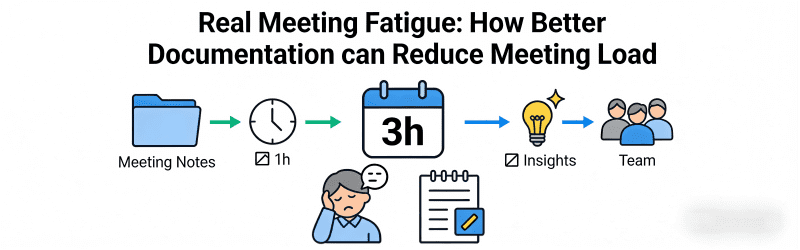
Guide Back-to-back meetings. Camera always on. Another hour-long call that could have been an email. If this sounds familiar, you are not alone. Meeting fatigue has become a real problem in modern workplaces.
The solution is not to eliminate all meetings. Some discussions need real-time conversation. But many meetings happen because information is not documented properly. People meet because they do not know what was decided. Or they cannot find the answer they need.
Better documentation can break this cycle. When information is captured clearly and shared widely, people do not need to meet as often. This guide shows you how.
Want fewer, better meetings? MeetingNotes captures everything automatically so people can catch up without meetings.
The Meeting Fatigue Problem
Meetings have multiplied. The average knowledge worker spends hours each day in meetings. Many feel overwhelmed. And the quality of work suffers.
Signs of meeting fatigue:
· Exhaustion after a day of video calls
· Difficulty focusing during long meetings
· Feeling like meetings prevent real work
· Same topics discussed repeatedly
· People multitasking instead of engaging
Meeting fatigue hurts productivity. It hurts morale. And it hurts results. Something needs to change.
The Root Cause: Information Gaps
Many meetings happen because of information gaps. People meet to share updates. They meet to get status. They meet because they do not know what happened in previous discussions.
Common information gaps:
· Decisions were made but not documented
· Meeting minutes were not shared
· Action items were not tracked
· Context was lost between meetings
· People could not attend and never got caught up
When information is missing, people schedule meetings to fill the gaps. Better documentation prevents this.
How Better Documentation Reduces Meetings
Good documentation replaces meetings. It keeps people informed without requiring their presence. And it creates a record that prevents repeat discussions.
Status Updates Become Asynchronous
Instead of a weekly status meeting, share written updates. People read when convenient. They comment asynchronously. And only complex issues require live discussion.
Decisions Are Captured and Shared
When decisions are documented clearly, people do not need to meet to rediscover them. The answer is already written down.
Context Is Preserved
Good minutes capture not just what was decided, but why. Future teams understand the reasoning. They do not need to reopen old discussions.
Absentees Stay Informed
When meetings are documented well, people who could not attend still get the information. They do not need a separate catch-up meeting.
What Good Meeting Documentation Looks Like
Characteristics of useful meeting records:
· Accessible. People can find them when needed.
· Searchable. Specific information is easy to locate.
· Clear. Anyone can understand what was decided and why.
· Complete. Nothing important is missing.
· Timely. Shared quickly while the meeting is still fresh.
· Actionable. Clear next steps with owners and deadlines.
Strategies to Reduce Meetings Through Documentation
Document Everything Important
If it is worth discussing in a meeting, it is worth documenting. Decisions. Action items. Key context. Capture it all.
Share Widely
Documentation only helps if people can find it. Share meeting minutes with everyone who might need them. Not just attendees. Include stakeholders, team members, and future hires.
Make It Searchable
Store minutes where people can search them. A shared drive. A wiki. A documentation system. If people cannot find old minutes, they will schedule new meetings.
Replace Status Meetings with Written Updates
Challenge every recurring meeting. Could this be a written update instead? Often the answer is yes.
Create Decision Logs
Maintain a running list of important decisions. Include context and reasoning. This prevents reopening settled issues.
Implementing Better Documentation
Steps to get started:
· Start with your most important meetings. Document these well first.
· Assign a note-taker for every meeting. Or use AI tools.
· Create a standard template. Consistency makes minutes easier to read.
· Set up a shared repository. Everyone needs access.
· Establish a distribution routine. Send minutes within 24 hours.
· Review and improve. Ask what is working and what is not.
How AI Makes Better Documentation Easy
Better documentation sounds good. But it takes time. Someone has to take notes. Someone has to format them. Someone has to distribute them.
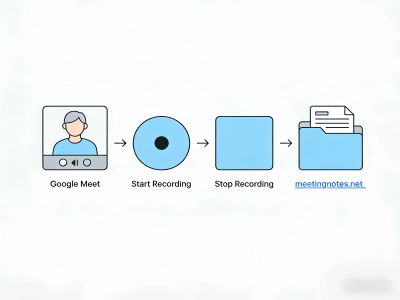
AI tools like MeetingNotes remove this burden. They capture meetings automatically. They generate clear, organized minutes. And they make everything searchable and shareable.
What AI documentation offers:
· Automatic transcription of every meeting
· Smart summaries that capture key points
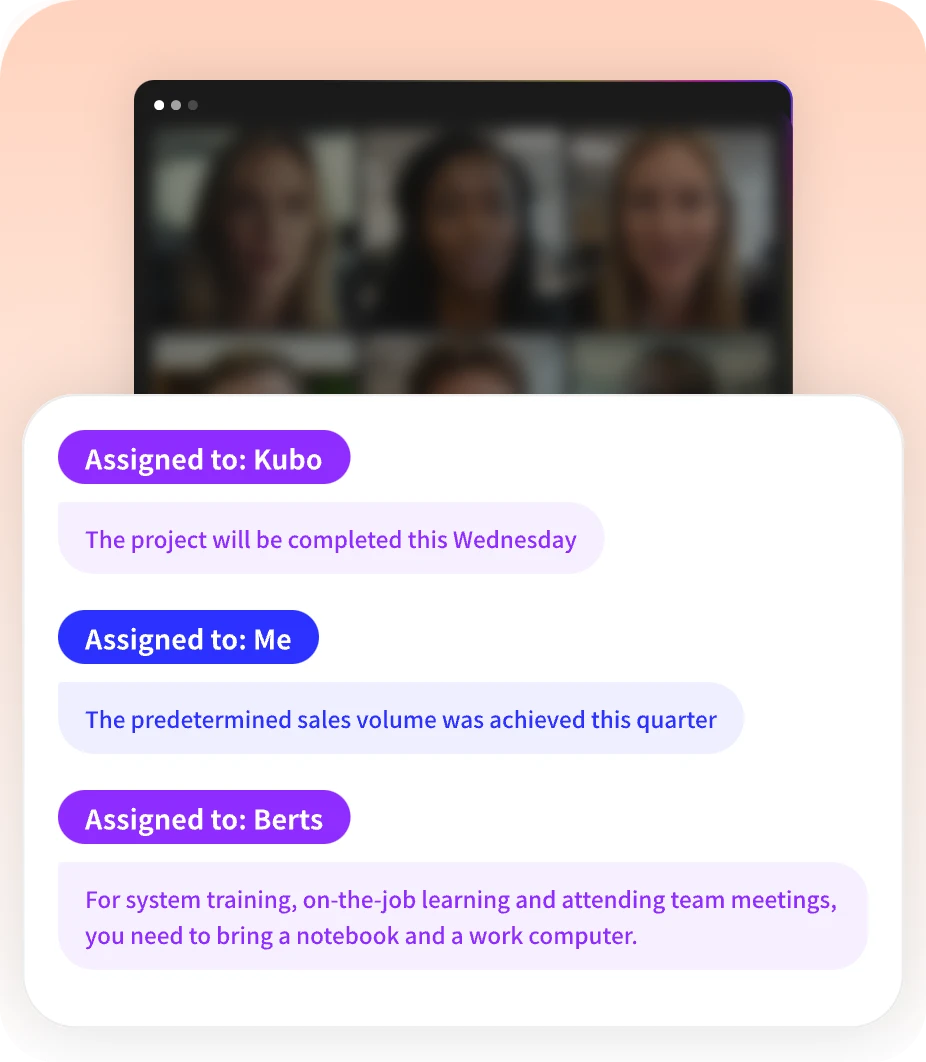
· Automatic extraction of decisions and action items
· Searchable archives of all past meetings
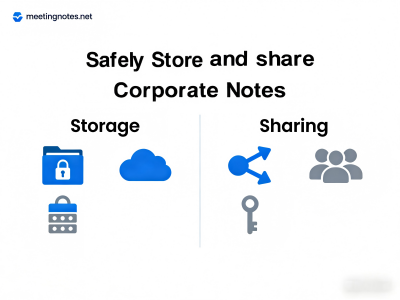
· Easy sharing with anyone who needs access
The result is comprehensive documentation without manual work. You get the benefits of good records without the time investment.
Reduce meetings with better documentation. Try MeetingNotes for automatic meeting records.
Conclusion
Meeting fatigue is real. But it is not inevitable. Better documentation can reduce your meeting load significantly.
When information is captured clearly and shared widely, people do not need to meet as often. Decisions are preserved. Context is maintained. And absentees stay informed.
Start improving your meeting documentation today. Your calendar will thank you. And your team will be more productive.