AI Chat
 Teams & Collaboration
 Teams & Collaboration
 Integrations
  Blog
Blog  Guide
Guide 







Don't miss your meeting insights!
Transform your meetings into actionable insights. Upgrade today and enjoy 60% off, unlimited shared notes, AI-generated summaries, and real-time collaboration.
 12,716+ Customers
Buy at Discount
 Meeting Notes
 Today only — Enjoy higher transcription accuracy, team collaboration, and full meeting history.Meeting Notes
 Remote & Hybrid Work
 Legal & Compliance
 Sales & CRM
 Healthcare
 Project Management
 HR & Recruitment
 Education & Online Learning
 Personal ProductivityToday only — Enjoy higher transcription accuracy, team collaboration, and full meeting history.
Stop taking notes during meetings! Use our plugin for Chrome to focus on the meeting itself, automatically capture key information, record the complete meeting, and transform meetings into a shareable document with AI during your Google Meet, Zoom, Microsoft Teams Meeting.
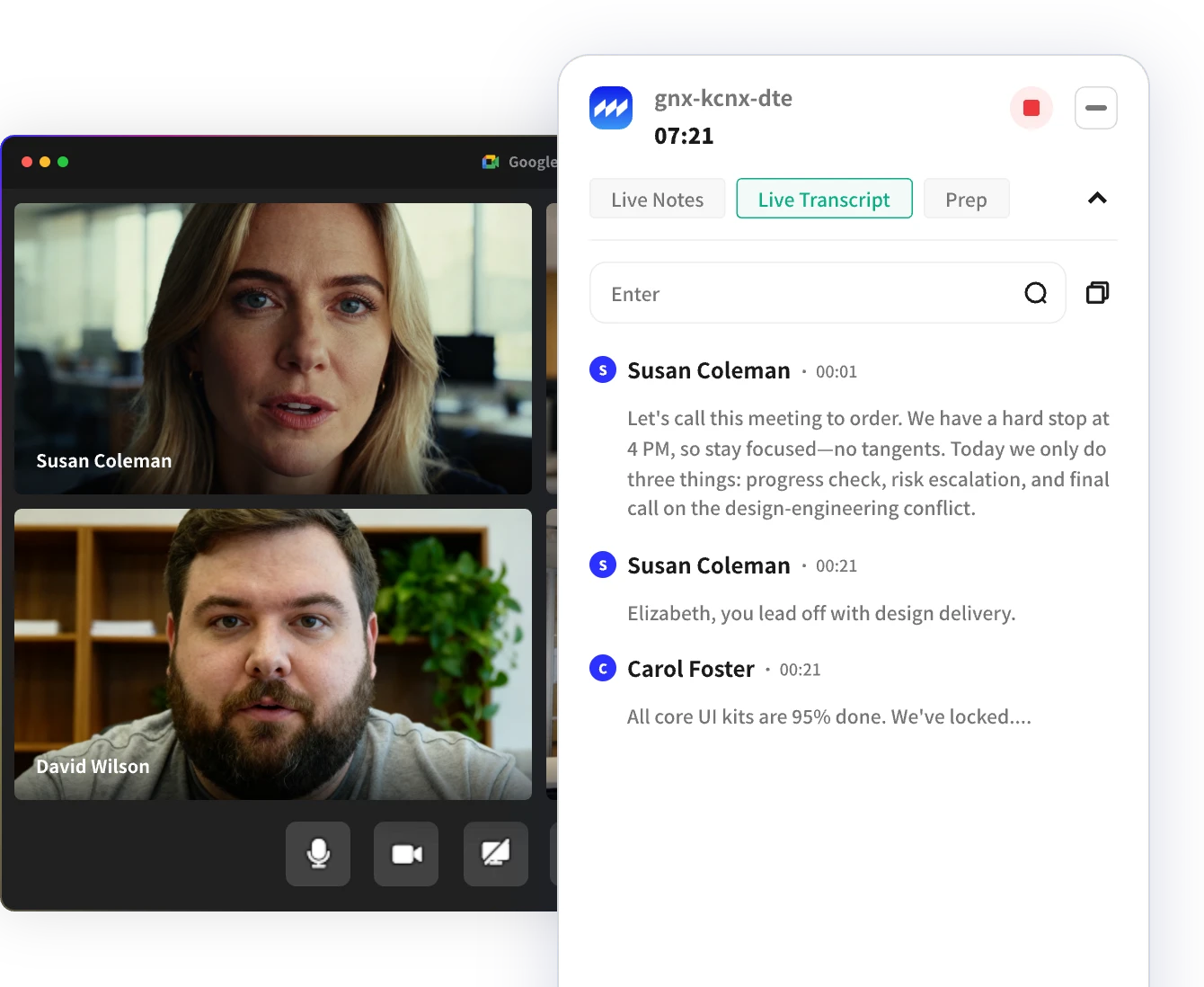
In today's digital age, remote meetings are no longer a distant concept. Taking meeting notes during meetings sounds simple, but if you miss a detail, you may need more time to correct and confirm.
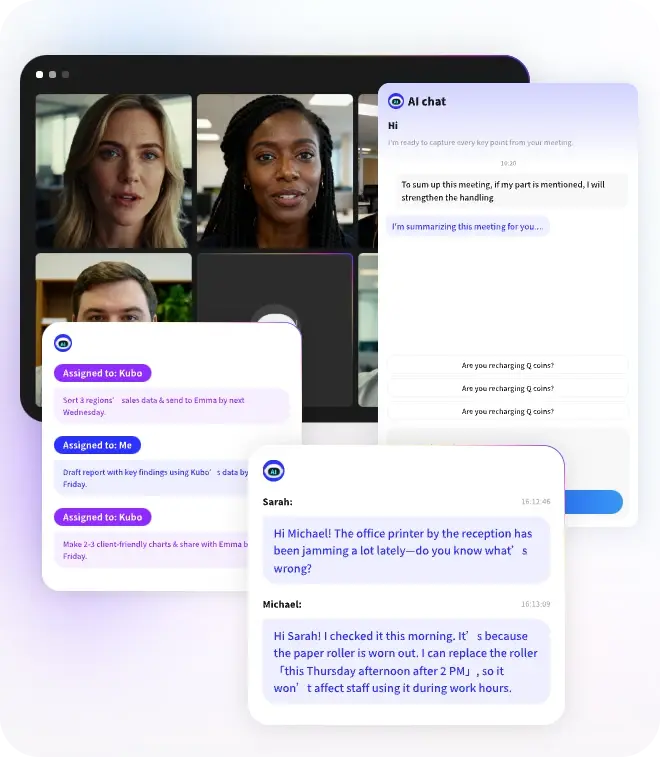
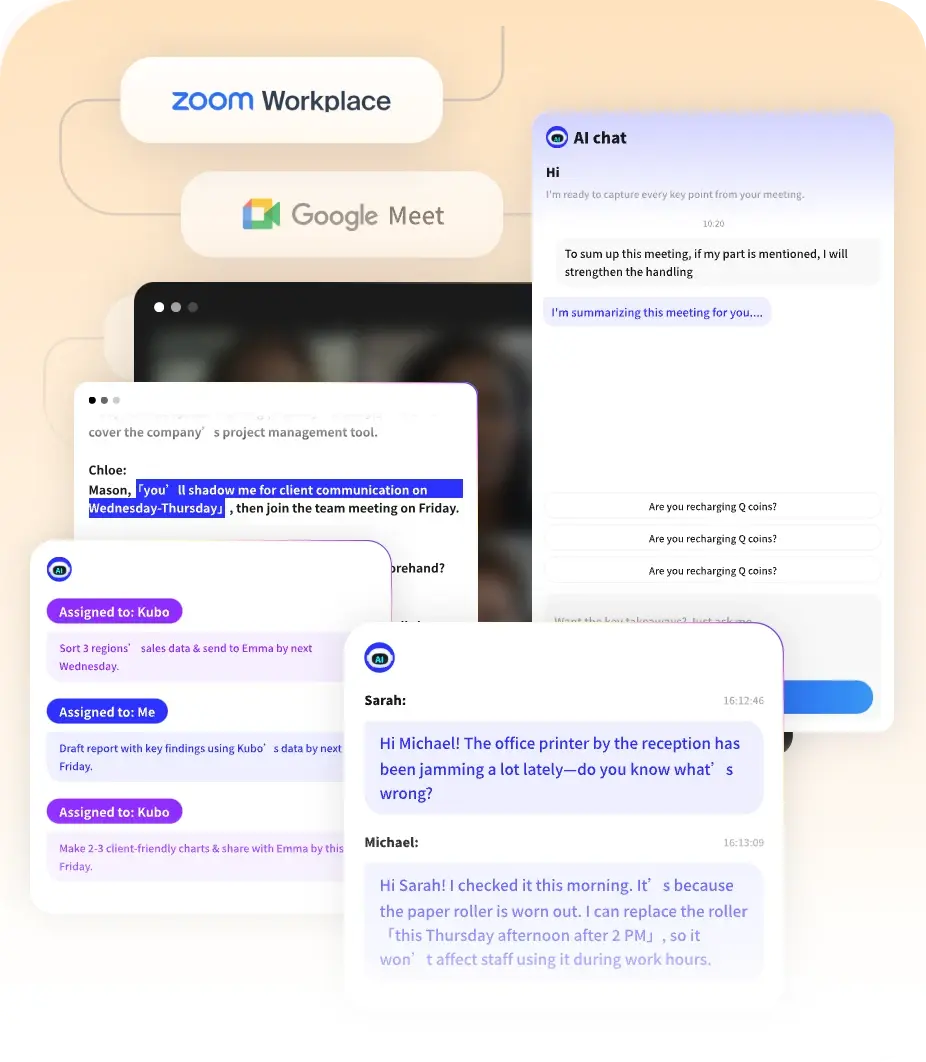
Therefore, it should focus on the meeting itself. The MeetingNotes extension for Chrome automatically records all content and integrates seamlessly into Google Meet, Zoom and Microsoft Teams Meeting, providing real-time transcription and generating a clear, structured AI summary after the meeting. No manual note-taking. Your meeting results are ready as soon as the meeting ends.
Only 3 simple steps. Clear outcomes for every meeting.
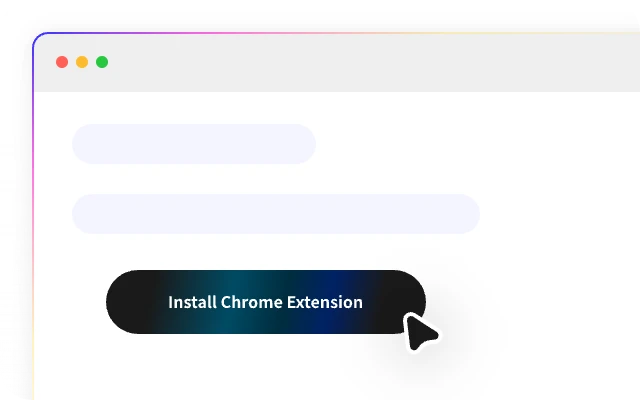
click the button Install the extension.
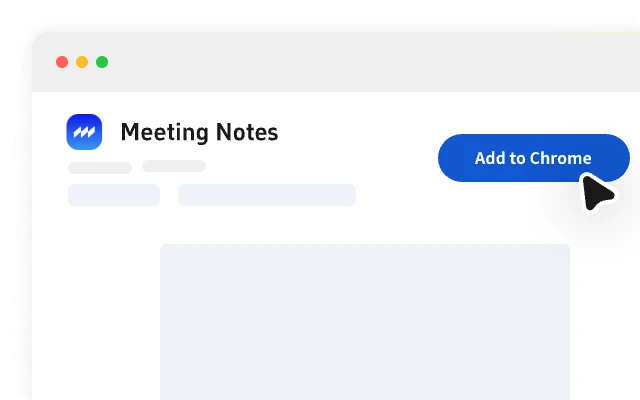
Add the Note Taker extension to Chrome.
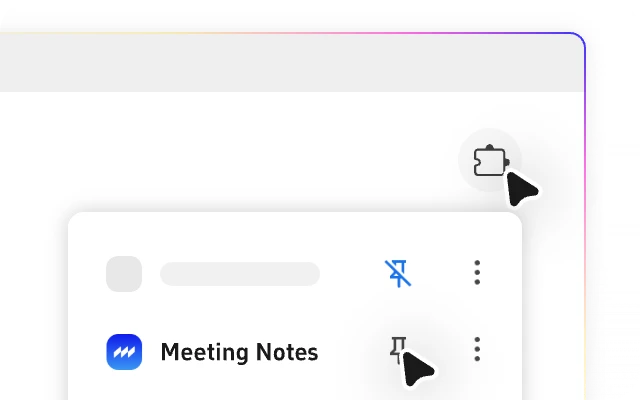
Pin MeetingNotes to join Live Meet automatically.
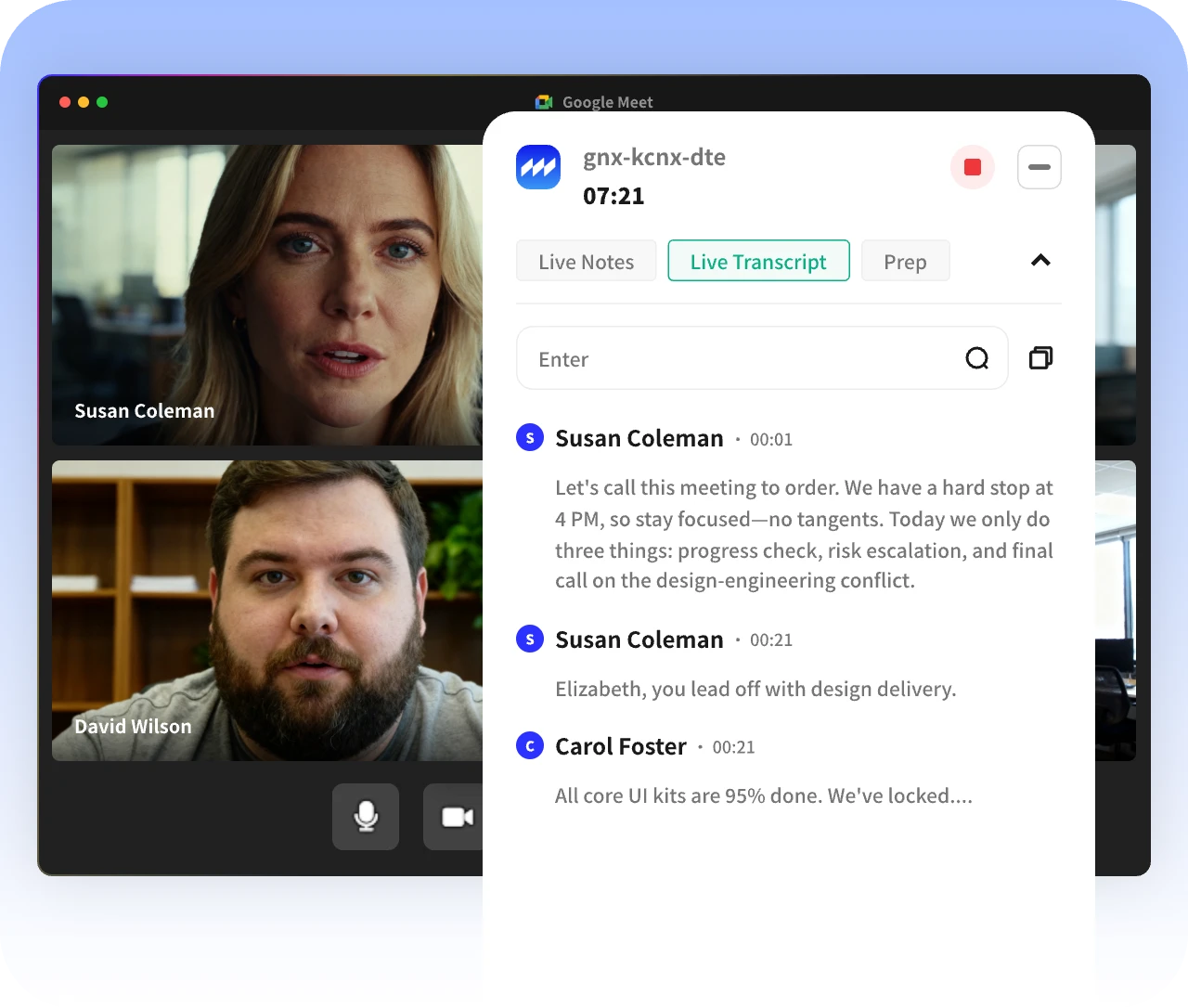

Capture every single word with 98%+ accuracy and real-time transcription across Zoom, Teams, and Google Meet.
Try for Free
No need to sift through hours of meeting for key information, AI Summary pinpoints for you with a single click.
Try for Free
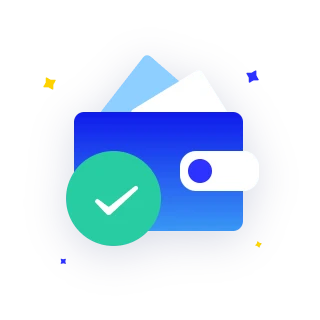
Automatically extract key decisions and tasks from meetings, helping your team execute efficiently.
Try for FreeUntil I started using MeetingNotes, I didn t realize how much time I was wasting on taking notes.
I switched from other meeting minutes tools, and honestly, MeetingNotes is simpler and more streamlined to use.
Setup only took 2 minutes, and then it automatically joins meetings and transcribes them – incredibly convenient.
As an HR, I frequently use it for interviews, and it works very well.
Teams across different time zones really need meeting notes, and the summaries are even better and more accurate than I expected.
Until I started using MeetingNotes, I didn t realize how much time I was wasting on taking notes.
I switched from other meeting minutes tools, and honestly, MeetingNotes is simpler and more streamlined to use.
Setup only took 2 minutes, and then it automatically joins meetings and transcribes them – incredibly convenient.
As an HR, I frequently use it for interviews, and it works very well.
Teams across different time zones really need meeting notes, and the summaries are even better and more accurate than I expected.
Until I started using MeetingNotes, I didn t realize how much time I was wasting on taking notes.
I switched from other meeting minutes tools, and honestly, MeetingNotes is simpler and more streamlined to use.
Setup only took 2 minutes, and then it automatically joins meetings and transcribes them – incredibly convenient.
As an HR, I frequently use it for interviews, and it works very well.
Teams across different time zones really need meeting notes, and the summaries are even better and more accurate than I expected.

No. Once installed and authorized, the extension works automatically during Google Meet, Zoom, Microsoft Teams Meeting.
The extension supports Google Meet, Zoom, Microsoft Teams Meeting, including one-on-one and group meetings.
We take user privacy and data security seriously. Meeting content is used solely for generating notes and summaries and is never used for other purposes without your consent.
You can install the extension directly from the Chrome Web Store. After installation, simply grant the required Google Meet permissions and start using it. Any question? Contact [email protected].
Pricing is typically tied to your account, with usage limits or features defined by your plan. You can use the extension across devices as long as you're signed in with the same account.