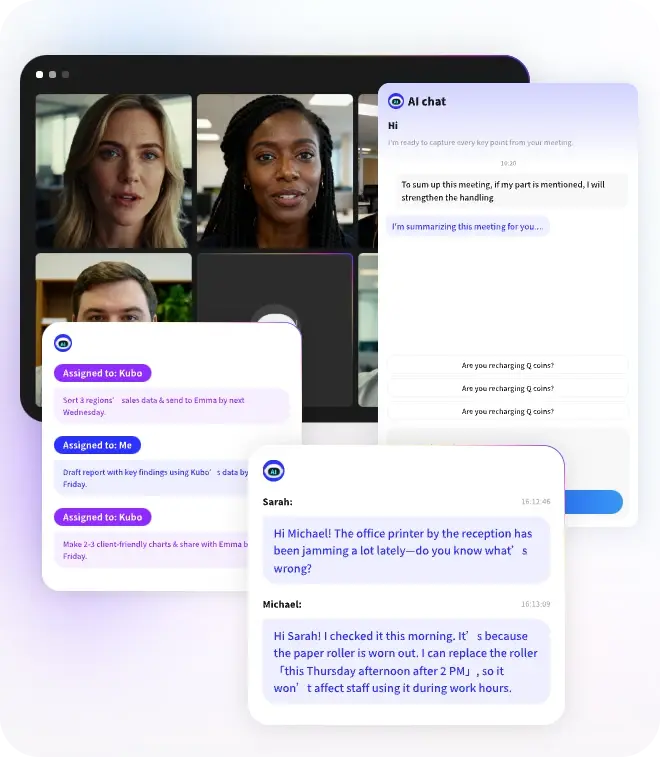
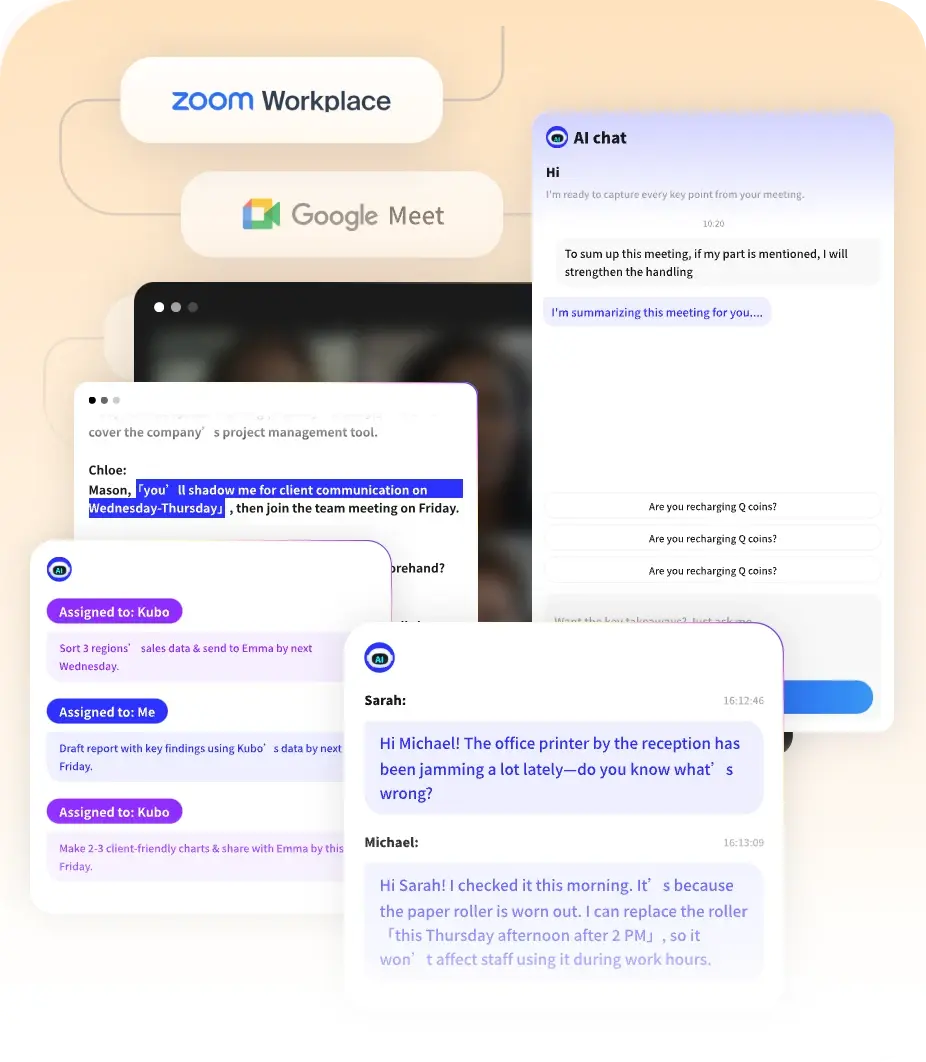
AI Summaries
 Action Items
 AI Chat
 Teams & Collaboration
 Teams & Collaboration
 Teams & Collaboration
 Teams & Collaboration
 Teams & Collaboration
 Teams & Collaboration
 Teams & Collaboration
 Teams & Collaboration
 Teams & Collaboration
 Integrations
  Personal Productivity
 Blog
Blog  Guide
Guide Meetings happen every day in offices around the world. But without good notes, most of what gets discussed gets forgotten. People leave the room with different ideas about what was decided. Tasks fall through the cracks. And the next meeting covers the same ground all over again.
This is where meeting minutes come in. They are not just a record of what was said. They are a tool for getting things done. Good minutes keep teams aligned. They track decisions and action items. They save time by preventing repeat discussions.
Writing minutes used to take hours. You had to listen carefully, take fast notes, and then spend time cleaning everything up after the meeting. But now there is a better way. MeetingNotes uses AI to handle the heavy lifting. It transcribes meetings automatically, pulls out key decisions, and formats everything for you.
Try MeetingNotes today. Get AI-powered meeting minutes without the manual work.
What Are Meeting Minutes?
Meeting minutes are a written record of what happened in a meeting. They capture the key points discussed, decisions made, and tasks assigned. Unlike a full transcript that records every word, minutes focus on what matters most.
Think of minutes as the official memory of your meeting. They help people who attended remember what was agreed on. They help people who missed the meeting catch up quickly. And they serve as a reference point for future discussions.
Good meeting minutes typically include:
· Date, time, and location of the meeting
· List of attendees and absentees
· Main topics discussed
· Decisions made
· Action items with assigned owners and deadlines
· Date and time of the next meeting
Why Meeting Minutes Matter
Some teams skip taking minutes. They think it takes too much time. Or they assume everyone will remember what was said. But this usually backfires.
Here is why minutes matter:
· Accountability. When tasks and deadlines are written down, people are more likely to follow through.
· Alignment. Everyone leaves with the same understanding of what was decided.
· Legal protection. For boards and formal organizations, minutes serve as official records.
· Continuity. New team members can get up to speed on past decisions quickly.
What to Include in Meeting Minutes
Knowing what to put in your minutes is half the battle. Here is a simple checklist to follow.
Basic Information
· Meeting name and date
· Start and end time
· Location or video platform
· Attendees and absentees
Content Elements
· Agenda items covered
· Key decisions made
· Action items with owners and deadlines
· Topics tabled for future discussion
What to Leave Out
· Verbatim conversations
· Personal opinions or side comments
· Confidential information not meant to be shared
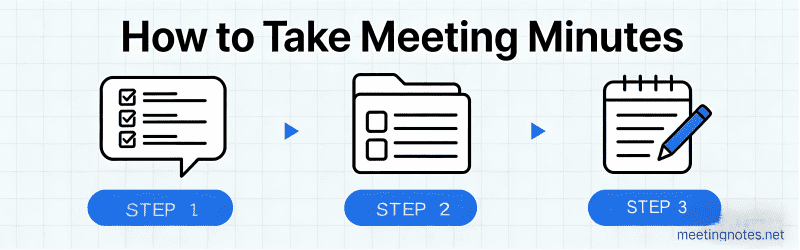
How to Write Meeting Minutes: Step-by-Step
Follow these steps to write clear, useful minutes every time.
Step 1: Prepare Before the Meeting
Get the agenda in advance. Set up your template. Know who will be there. This preparation makes the actual note-taking much easier.
Step 2: Take Notes During the Meeting
Focus on decisions and action items. Do not try to write down everything. Use shorthand. Mark items that need clarification.
Step 3: Write Up the Minutes Immediately
Do not wait. Your memory is fresh right after the meeting. Fill in your template while the discussion is still clear in your mind.
Step 4: Review and Distribute
Check for clarity. Make sure action items are specific. Then send the minutes to all attendees within 24 hours.
Meeting Minutes Template
Here is a simple template you can use right away.
MEETING MINUTES
Meeting: [Name]
Date: [Date]
Time: [Start] - [End]
Location: [Location]
ATTENDEES:
- [Name 1]
- [Name 2]
ABSENT:
- [Name 3]
AGENDA ITEMS:
[Topic]
- Decision: [What was decided]
- Action: [Task] - Owner: [Name] - Due: [Date]
[Topic]
- Decision: [What was decided]
- Action: [Task] - Owner: [Name] - Due: [Date]
NEXT MEETING:
Date: [Date]
Time: [Time]
Prepared by: [Name]
Date: [Date]
Common Meeting Minute Mistakes
Watch out for these pitfalls:
· Trying to record everything. Minutes should be concise, not verbatim.
· Vague action items. Write "Submit report by Friday" not "Follow up on report."
· Waiting too long to distribute. Send minutes within 24 hours while memories are fresh.
· Forgetting to track action items. The whole point is to ensure follow-through.
Manual vs AI-Powered Meeting Minutes
Writing minutes by hand takes time. You have to listen, write, and organize all at once. It is easy to miss key points. And cleaning up notes after the meeting can take 30 minutes or more.
AI tools like MeetingNotes change the game. They transcribe meetings automatically. They identify decisions and action items. They format everything into clear, professional minutes. You get complete notes without the manual work.
MeetingNotes offers:
· Automatic transcription with high accuracy
· Smart identification of decisions and tasks
· Instant formatting into professional minutes
· Searchable archive of all past meetings
· Integration with Zoom, Teams, and Google Meet
The result? You save time. You get better notes. And you can actually focus on the meeting instead of scrambling to write everything down.
Ready to simplify your meeting minutes? Try MeetingNotes free and see how AI can transform your documentation.
Conclusion
Good meeting minutes are essential for productive teams. They keep everyone aligned. They ensure accountability. And they prevent important details from getting lost.
The key is to focus on what matters. Capture decisions. Track action items. Keep it concise. And distribute quickly while the meeting is still fresh in everyone's mind.
Whether you write minutes manually or use AI tools like MeetingNotes, the goal is the same: create a clear record that helps your team get things done.
Start improving your meeting minutes today. Your future self will thank you.