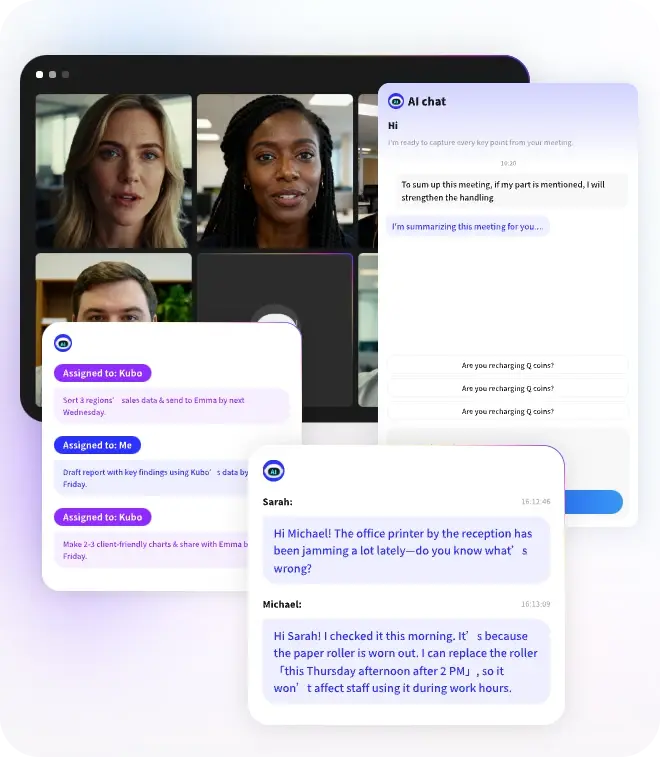
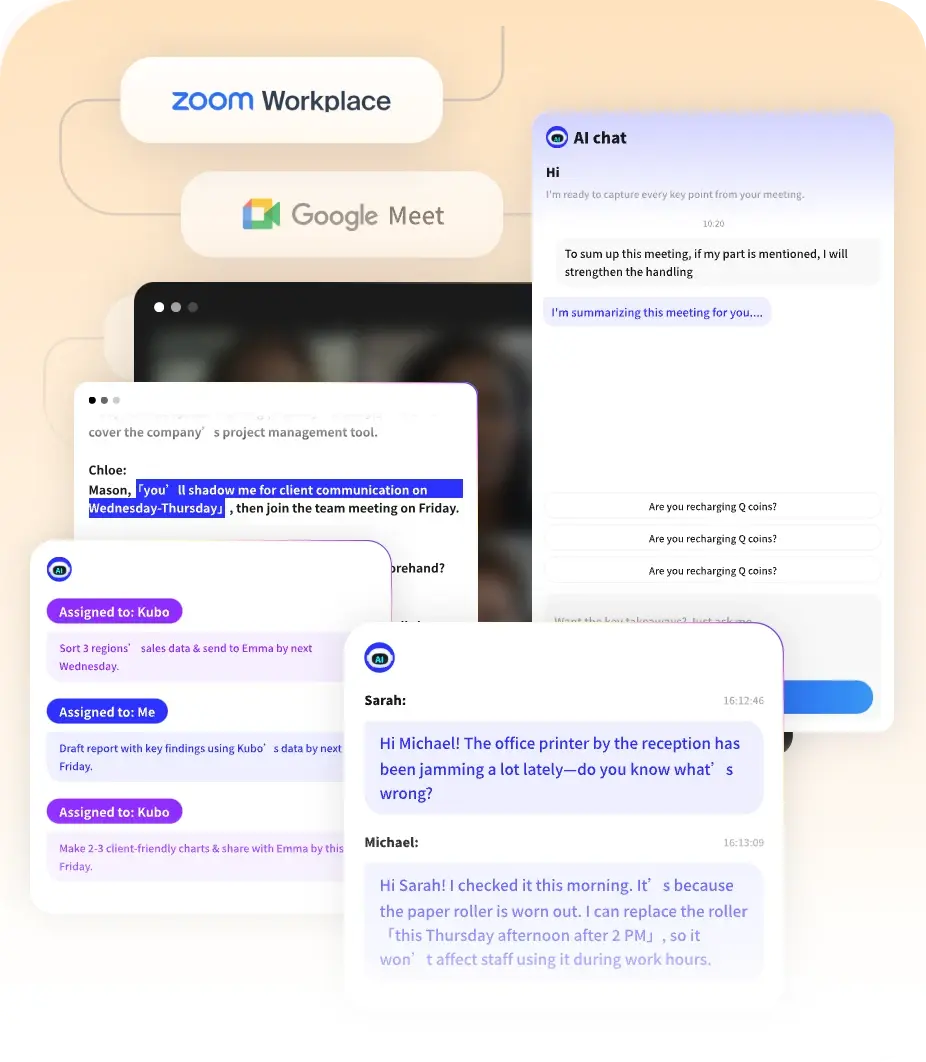
AI Summaries
 Action Items
 AI Chat
 Teams & Collaboration
 Teams & Collaboration
 Teams & Collaboration
 Teams & Collaboration
 Teams & Collaboration
 Teams & Collaboration
 Teams & Collaboration
 Teams & Collaboration
 Teams & Collaboration
 Integrations
  Personal Productivity
 Blog
Blog  Guide
Guide Fireflies AI has quickly become one of the most popular AI meeting assistants on the market. With over 1 million companies using it, the platform promises to transcribe, summarize, and analyze all your team conversations.
But with competitors like Otter, Fathom, and MeetingNotes fighting for the same space, does Fireflies stand out?
This review breaks down everything — from transcription quality to pricing, from CRM integrations to real-world usability. Whether you’re in sales, customer support, or just drowning in meetings, here’s what Fireflies can do for you.
What Is Fireflies AI?
Fireflies AI is an AI notetaker that automatically joins your video meetings, records conversations, and generates searchable transcripts with AI-powered summaries.
The platform goes beyond basic transcription with features like: - Automatic meeting transcription in 100+ languages - AI summaries with action items and tasks - AskFred AI assistant for querying meetings - CRM integrations (Salesforce, HubSpot) - Conversation intelligence and analytics - Voice Agents for automated calls - 200+ AI apps for custom workflows
Fireflies positions itself as more than a note-taker. It’s trying to be your complete conversation intelligence platform.
Key Features Breakdown
1. Meeting Transcription & Recording
Fireflies claims 95% transcription accuracy — industry-leading if true. The service supports:
· 100+ languages with auto-language detection
· Speaker recognition to identify different voices
· Multi-language mode for meetings with mixed languages
· Real-time transcription as the meeting happens
What works well: - Accuracy is genuinely impressive in clean audio conditions - Speaker separation handles multiple voices well - Language switching works seamlessly - Timestamps make finding specific moments easy
Where it struggles: - Accuracy drops with heavy background noise - Technical jargon can still get misinterpreted - Overlapping speakers occasionally confuse the system
2. AI Summaries & AskFred
Fireflies automatically generates AI summaries with: - Key discussion points - Action items and tasks - Topics and sentiment analysis - Question detection
AskFred is Fireflies'AI assistant. You can ask questions like: - “What did the client say about pricing?” - “Show me all action items from last week” - “When did we discuss the Q3 roadmap?”
It’s useful. The AI pulls answers directly from your meeting history.
3. CRM & Work Tool Integrations
This is where Fireflies really shines. The platform integrates with:
CRM: - Salesforce - HubSpot - Pipedrive - Close
Project Management: - Asana - Trello - Monday.com - ClickUp
Communication: - Slack - Microsoft Teams
ATS (for recruiting): - Greenhouse - Lever
The CRM integrations are particularly strong for sales teams. Call notes and transcripts automatically sync to deal records.
4. AI Apps (200+ Workflows)
Fireflies offers 200+ AI apps that automatically: - Extract pricing signals from sales calls - Score job candidates from interviews - Generate follow-up emails - Create tasks in your project manager - Flag compliance issues in support calls
You can browse and enable apps from their marketplace. Some are free, others require higher-tier plans.
5. Analytics & Conversation Intelligence
Fireflies provides deep analytics: - Talk-time analytics — Who spoke how much - Sentiment analysis — Positive/negative/neutral tone - Topic trackers — Monitor specific topics across meetings - Team analytics — Admin dashboard for team performance - Conversation intelligence — Identify patterns and trends
For sales managers, this is gold. You can see which reps are talking too much, which deals have negative sentiment, and what topics correlate with wins.
6. Voice Agents
Fireflies recently launched Voice Agents — AI that can: - Make outbound calls - Qualify leads - Schedule meetings - Handle basic customer inquiries
It’s early but promising for sales development teams.
7. Mobile Apps & Chrome Extension
· Mobile apps: iOS and Android for recording on the go
· Chrome extension: Record meetings without the Fireflies bot
· Desktop app: Windows and Mac clients
The Chrome extension is particularly useful — you can record Google Meet calls directly from your browser.
Fireflies Pricing: Which Plan Makes Sense?
Fireflies offers four tiers. Here’s the breakdown:
Free
· Price: $0 forever
· Transcription: Unlimited* (with rate limits)
· Storage: 800 minutes per seat
· AI summaries: Limited
· Features: Basic transcription, AskFred, mobile app, Chrome extension
Best for: Individuals testing the platform or very light users.
The catch: “Unlimited” transcription has rate limits. Heavy users will hit caps.
Pro
· Price: $10/seat/month (billed annually) or $18/month
· Transcription: Unlimited
· Storage: 8,000 minutes per seat
· AI summaries: Unlimited
· Features: Everything in Free plus downloads, Personal Assistant, AI apps, 20 AI credits, unlimited integrations
Best for: Professional individuals and small teams.
Value: Solid middle tier. The AI apps alone justify the upgrade for many users.
Business (Most Popular)
· Price: $19/seat/month (billed annually) or $29/month
· Transcription: Unlimited
· Storage: Unlimited
· AI summaries: Unlimited
· Features: Everything in Pro plus video recording, multi-language mode, conversation intelligence, team analytics, 30 AI credits, user groups
Best for: Growing teams that need advanced features.
Value: Best bang for buck. Unlimited storage and conversation intelligence are worth it.
Enterprise
· Price: $39/seat/month (billed annually)
· Features: Everything in Business plus rules engine, SSO, SCIM, HIPAA compliance, private storage, custom data retention, 50 AI credits, dedicated account manager
Best for: Large organizations with security requirements.
Fireflies vs. The Competition
How does Fireflies stack up against other meeting management tools?
Fireflies vs. Otter
· Fireflies wins: More integrations, better CRM features, 100+ languages, conversation intelligence, better pricing
· Otter wins: Cleaner interface, better mobile apps, more polished summaries, longer market presence
Verdict: Fireflies for sales teams and power users. Otter for simplicity and mobile-first workflows.
Fireflies vs. Fathom
· Fireflies wins: More features, better integrations, enterprise security, AI apps ecosystem
· Fathom wins: Completely free for individuals, simpler setup, faster adoption
Verdict: Fathom for individuals on a budget. Fireflies for teams that need advanced features.
Fireflies vs. MeetingNotes
· Fireflies wins: Broader feature set, more integrations, established brand
· MeetingNotes wins: Competitive pricing, focused on accuracy, simpler workflow
Verdict: Depends on your priorities — features vs. simplicity.
Pros and Cons
✅ What Fireflies Does Well
- Transcription accuracy — Industry-leading 95% claim holds up
- Integration ecosystem — 200+ AI apps and work tools
- CRM sync — Best-in-class for sales teams
- Language support — 100+ languages with auto-detection
- Conversation intelligence — Deep analytics for teams
- AskFred AI — Useful for querying meeting history
- Pricing — Competitive, especially Business tier
- Security — SOC 2, GDPR, HIPAA compliant
❌ Where Fireflies Falls Short
- Free tier limits — 800 minutes fills up fast
- Learning curve — Lots of features can overwhelm
- Interface — Functional but not as polished as Otter
- AI credits — Capped even on paid plans
- Customer support — Can be slow on lower tiers
- Video recording — Only on Business+ plans
- Voice Agents — Still early, limited use cases
Real User Feedback
Fireflies has thousands of reviews. Here’s what users consistently mention:
Positive themes: - “Accuracy is noticeably better than Otter” - “CRM integration saves hours every week” - “Analytics help me coach my sales team” - “AskFred is like having a meeting search engine”
Common complaints: - “Free tier runs out of storage quickly” - “Too many features — took weeks to learn” - “AI credits run out fast on heavy usage” - “Support response time varies”
The consensus? Fireflies is powerful but has a learning curve. Worth it for teams, maybe overkill for individuals.
Who Should Use Fireflies?
Great fit for:
· Sales teams — CRM integration is unbeatable
· Customer support — Call analysis and quality assurance
· Recruiting teams — Interview transcription and candidate scoring
· Consultants — Client meeting documentation
· Remote teams — Async updates for distributed workers
Not ideal for:
· Solo users on a budget — Free tier is limited (try Fathom)
· Simple note-taking — Might be overkill
· Non-technical users — Learning curve is real
· Privacy-focused — Cloud-based, not local storage
Is Fireflies Worth It in 2026?
Here’s the bottom line.
Fireflies AI is a powerful, feature-rich platform that delivers real value for teams. The transcription accuracy is excellent, the integrations are extensive, and the conversation intelligence features are genuinely useful.
Worth it if: - You have multiple meetings per week - Your team uses CRM or project management tools - You need conversation analytics - You want AI-powered workflows - Budget allows for Pro or Business tier
Skip it if: - You only have occasional meetings - You’re on a tight budget (try Fathom free tier) - You want simplicity over features - You prefer local file storage
For most teams, the Business plan offers the best value. Unlimited storage and conversation intelligence justify the cost.
Conclusion
Fireflies AI has earned its place as a top AI meeting assistant in 2026. Its transcription accuracy, integration ecosystem, and conversation intelligence make it a strong choice for businesses.
The pricing is competitive, especially compared to Otter. The AI apps and Voice Agents show Fireflies is innovating, not resting on its laurels.
If you’re evaluating meeting tools, Fireflies deserves a top spot on your shortlist. Start with the free tier to test accuracy, then upgrade based on your needs.
Looking for alternatives? Check out MeetingNotes for a focused AI meeting assistant that prioritizes transcription accuracy and actionable summaries. It’s worth comparing before you commit.
Either way, automating your meeting notes is one of those changes that pays for itself quickly. Fireflies makes that accessible for teams — and that’s why it’s grown so fast.