AI Summaries
 Action Items
 AI Chat
 Teams & Collaboration
 Teams & Collaboration
 Teams & Collaboration
 Teams & Collaboration
 Teams & Collaboration
 Teams & Collaboration
 Teams & Collaboration
 Teams & Collaboration
 Teams & Collaboration
 Integrations
  Personal Productivity
 Blog
Blog  Guide
Guide Notta AI is doing something different in the AI meeting assistant space. While competitors focus on English-first transcription, Notta supports 58 languages and turns meeting notes into visual presentations.
With 10M+ users and hardware products (AI voice recorders), Notta is more than just a software play. But does it deliver on its promises?
This review covers everything — from multilingual transcription to AI-generated presentations, from pricing to real-world usability. Let’s dive in.
What Is Notta AI?
Notta AI is an AI notetaker that transcribes meetings in 58 languages and transforms notes into visual deliverables like presentations and infographics.
The platform offers: - AI transcription in 58 languages - Automatic translation between languages - Bilingual transcription for mixed-language meetings - AI Notes with action items and insights - AI Chat for querying meeting content - Presentation and infographic generation - Hardware voice recorders (Notta Memo) - Meeting scheduler and recorder
Notta’s differentiator is its language support and visual output capabilities.
Key Features Breakdown
1. AI Transcription (58 Languages)
Notta supports an impressive 58 languages including: - English, Spanish, French, German, Portuguese - Italian, Dutch, Polish, Czech, Turkish - Vietnamese, Korean, Arabic, Farsi, Thai - Hindi, Indonesian, Japanese, Chinese - And many more…
What works well: - Accurate transcription in major languages - Auto-language detection works reliably - Bilingual mode handles mixed-language meetings - Fast transcription speed
Where it struggles: - Less common languages have lower accuracy - Technical jargon still gets misinterpreted - Speaker separation varies by language
2. Automatic Translation
Notta can translate transcripts between languages: - Real-time translation during meetings - Post-meeting translation of full transcripts - Side-by-side bilingual view
For global teams, this is genuinely useful.
3. Bilingual Transcription
Unique to Notta — transcribe meetings where participants speak different languages: - Speaker A speaks English, Speaker B speaks Spanish - Both languages transcribed simultaneously - Translation provided for each speaker
This is a standout feature for international teams.
4. AI Notes & Insights
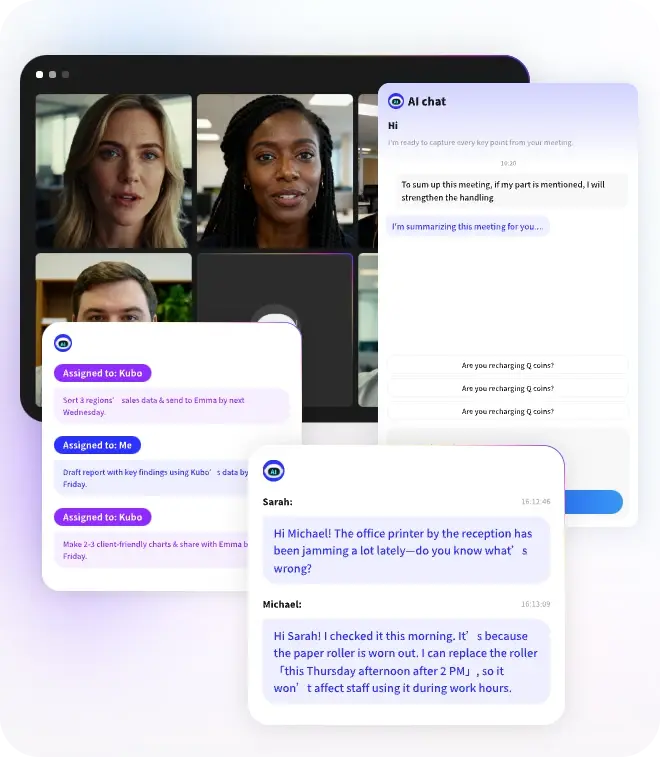
Notta automatically generates: - Meeting summaries - Action items - Key insights - Decision tracking
The AI extracts actionable information from conversations.
5. AI Chat (Notta Brain)
Search across your meetings with AI: - “What did the client say about budget?” - “Show me action items from last week” - “When did we discuss the launch date?”
Returns answers with context and timestamps.
6. Visual Deliverables
Notta can generate: - Presentations (PPT) — Ready-to-share slide decks from meetings - Infographics — Structured visuals in seconds - Decision frameworks — Visual summaries for executives
This is unique. No other meeting tool creates presentation-ready outputs.
7. Meeting Recorder & Scheduler
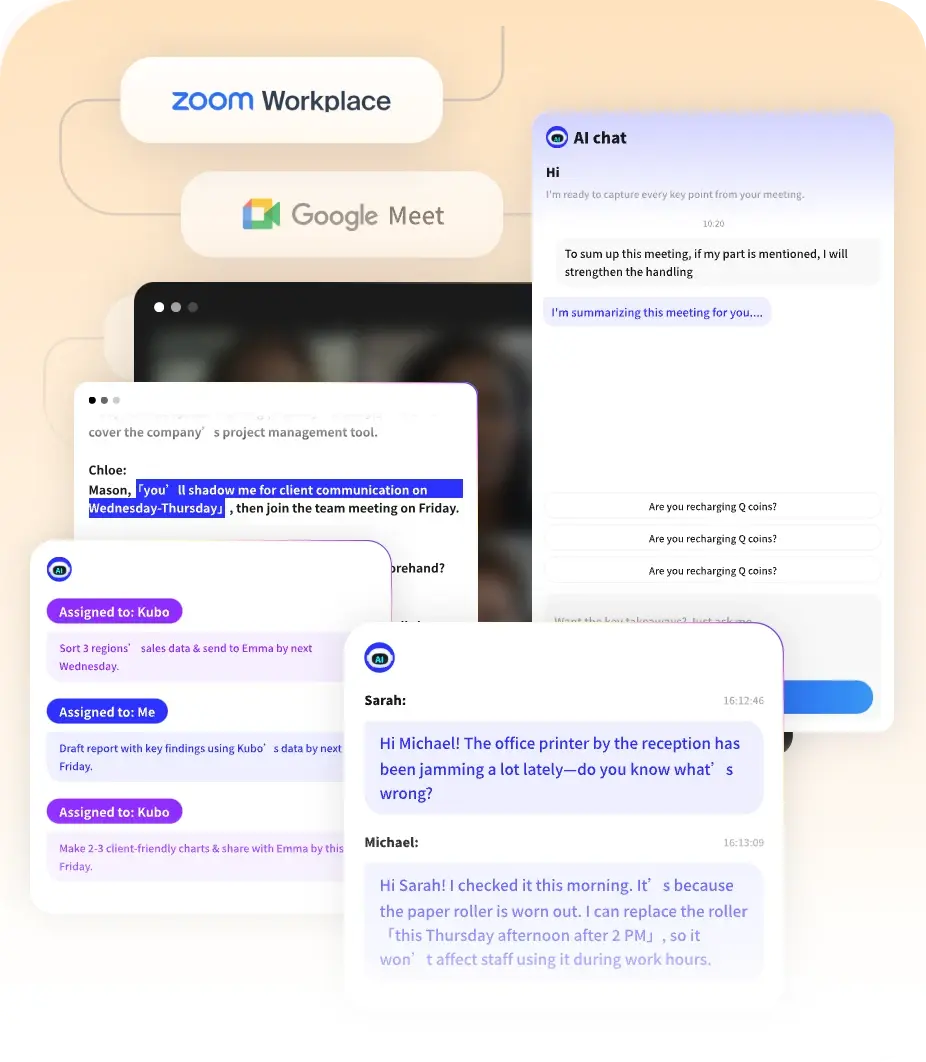
· Online meetings — Auto-join Zoom, Teams, Google Meet
· In-person meetings — Use Notta Memo hardware or mobile app
· File import — Upload audio/video for transcription
· Scheduler — Sync with calendar, auto-schedule recording
8. Hardware: Notta Memo
Notta sells AI voice recorders: - Dedicated hardware for in-person meetings - One-button recording - Automatic sync to Notta cloud - No phone or laptop needed
It’s a niche product but useful for consultants and journalists.
Notta Pricing
Notta offers several tiers:
Free
· Price: $0
· Transcription: 200 minutes (one-time)
· Features: Basic transcription, 58 languages, AI Notes
· No credit card required
Best for: Testing the platform.
The catch: 200 minutes is one-time, not monthly.
Pro
· Price: ~$10-15/month (varies by region)
· Transcription: Unlimited or large monthly allowance
· Features: Full transcription, translation, AI Chat, integrations
Best for: Regular individual users.
Team
· Price: ~$20-25/user/month
· Features: Everything in Pro plus collaboration, admin controls
Best for: Small to medium teams.
Enterprise
· Price: Custom pricing
· Features: Everything in Team plus SSO, private storage, dedicated support
Best for: Large organizations.
Note: Notta’s pricing varies by region and changes frequently. Check their website for current pricing.
Notta vs. The Competition
How does Notta compare to other meeting management tools?
Notta vs. Otter
· Notta wins: 58 languages vs. 3, bilingual transcription, visual outputs, hardware options
· Otter wins: More established brand, better mobile apps, clearer pricing, Web Clipper alternative
Verdict: Notta for multilingual teams. Otter for English-only simplicity.
Notta vs. Fireflies
· Notta wins: Language support, translation, presentation generation, hardware
· Fireflies wins: More integrations (200+ AI apps), better CRM features, conversation intelligence
Verdict: Notta for global teams. Fireflies for sales teams.
Notta vs. MeetingNotes
· Notta wins: Multilingual support, visual outputs, hardware options
· MeetingNotes wins: Focused on meetings, competitive pricing, simpler workflow
Verdict: Notta for breadth. MeetingNotes for focused meeting workflows.
Pros and Cons
✅ What Notta Does Well
- Language support — 58 languages is unmatched
- Bilingual transcription — Unique for mixed-language meetings
- Translation — Automatic translation between languages
- Visual outputs — Presentations and infographics
- Hardware options — Notta Memo for in-person recording
- Transcription speed — Fast processing
- User base — 10M+ users globally
❌ Where Notta Falls Short
- Pricing clarity — Varies by region, changes frequently
- Free tier — 200 minutes one-time (not recurring)
- Integration ecosystem — Smaller than Fireflies
- English accuracy — Good but not best-in-class
- Enterprise features — Less mature than competitors
- Customer support — Can be slow in some regions
Real User Feedback
Notta has millions of users. Here’s what they say:
Positive themes: - “58 languages is a game-changer for our global team” - “Bilingual transcription works surprisingly well” - “Presentation generation saves hours of work” - “Notta Memo is perfect for client interviews” - “Translation feature is incredibly useful”
Common complaints: - “Free tier runs out quickly (200 min one-time)” - “Pricing isn’t transparent” - “English accuracy slightly behind Otter” - “Integrations are limited” - “Support response time varies”
The consensus? Notta is the best option for multilingual teams, with unique visual features.
Who Should Use Notta?
Great fit for:
· Global teams — 58 languages, translation
· International consultants — Bilingual transcription
· Podcasters — Multi-language content
· Educators — Lecture transcription in multiple languages
· Sales teams — Customer calls with translation
Not ideal for:
· English-only teams — Might not need multilingual features
· Budget individuals — Free tier is limited
· Integration-heavy workflows — Fewer integrations than Fireflies
· Enterprise security — Less mature than competitors
Is Notta Worth It in 2026?
Here’s the bottom line.
Notta AI is the best AI meeting assistant for multilingual teams. The 58-language support and bilingual transcription are genuine differentiators. The visual output features (presentations, infographics) are unique.
Worth it if: - You need multilingual transcription - You have international meetings - You want visual deliverables - You value translation features - You do in-person interviews (Notta Memo)
Skip it if: - You only need English transcription - You want extensive integrations - You prefer transparent pricing - You need enterprise-grade security
For global teams, Notta is the obvious choice. For English-only teams, consider alternatives.
Conclusion
Notta AI has carved out a unique position: the multilingual AI meeting assistant with visual outputs. The 58-language support, bilingual transcription, and presentation generation set it apart from competitors.
It’s not as integration-rich as Fireflies or as polished as Otter — but for global teams, those trade-offs are worth it.
If you’re evaluating meeting tools and need multilingual support, Notta deserves the top spot on your shortlist.
Looking for meeting-specific tools? Check out MeetingNotes for focused AI meeting assistance with transcription and actionable summaries. It’s worth comparing before you commit.
Notta proves that meeting notes can be more than text — they can be visual, multilingual, and actionable.