AI Summaries
 Action Items
 AI Chat
 Teams & Collaboration
 Teams & Collaboration
 Teams & Collaboration
 Teams & Collaboration
 Teams & Collaboration
 Teams & Collaboration
 Teams & Collaboration
 Teams & Collaboration
 Teams & Collaboration
 Integrations
  Personal Productivity
 Blog
Blog  Guide
Guide People forget most of what they hear in meetings. Studies show we remember less than half of what was discussed just a few days later. Important decisions fade. Action items get lost. And teams waste time covering the same ground again and again.
A meeting recorder solves this problem. It captures everything that was said. It creates a record people can review later. And with modern AI, it can even turn recordings into organized notes and action items.
This guide shows you how to use meeting recorders effectively. You will learn what to record, how to transcribe, and how to turn recordings into useful documentation.
Want automatic meeting records? MeetingNotes records, transcribes, and summarizes your meetings automatically.
What is a Meeting Recorder?
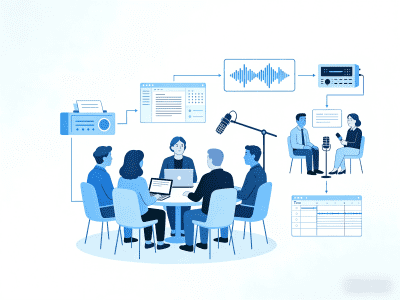
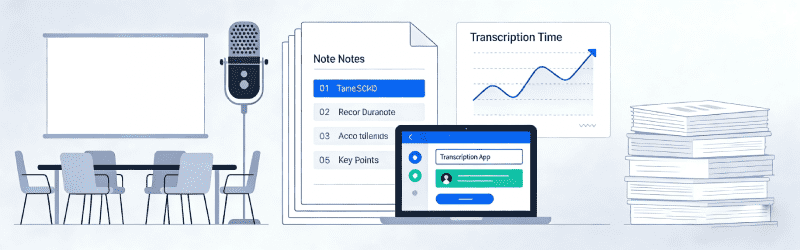
A meeting recorder captures audio or video of your meetings. It can be a simple app on your phone. It can be software on your computer. Or it can be a dedicated device designed for conference rooms.
Modern meeting recorders do more than just capture sound. They transcribe speech into text. They identify different speakers. They highlight key moments. And some use AI to summarize discussions and extract action items.
Types of meeting recorders:
· Phone apps for personal recording
· Computer software for virtual meetings
· Conference room devices for in-person meetings
· Integrated AI tools that record and analyze
Why Record Your Meetings?
Recording meetings provides real benefits.
· Complete record. Nothing gets lost or forgotten. Every decision and discussion is captured.
· Focus on conversation. Participants can engage fully instead of taking notes.
· Share with absentees. People who missed the meeting can catch up quickly.
· Review later. Go back to check exactly what was said and decided.
· Legal protection. Create evidence of what was discussed if disputes arise.
· Training material. Use recordings to onboard new team members.
Legal Considerations for Recording Meetings
Recording meetings raises legal questions. Laws vary by location. But some general principles apply everywhere.
· Get consent. Most places require everyone to know they are being recorded. Some require explicit consent.
· Check local laws. Recording laws differ between states and countries. Know the rules where you operate.
· Have a policy. Create clear rules about when meetings are recorded and how recordings are used.
· Store securely. Recordings may contain sensitive information. Protect them appropriately.
· Be transparent. Tell participants why you are recording and how the recording will be used.
How to Record Meetings Effectively
Follow these best practices for quality recordings.
Before the Meeting
· Test your equipment. Make sure everything works before the meeting starts.
· Choose the right location. Quiet spaces produce better recordings.
· Position microphones well. Place them where they can pick up all speakers clearly.
· Announce the recording. Let everyone know you are recording and why.
During the Meeting
· Start recording before the meeting begins. Capture the introduction and agenda.
· Minimize background noise. Close doors, turn off notifications, and control interruptions.
· Ask speakers to identify themselves. This helps with transcription later.
· Monitor recording quality. Check that the recording is working properly throughout.
After the Meeting
· Stop and save immediately. Do not risk losing the recording.
· Back up the file. Store copies in multiple locations.
· Share appropriately. Send recordings only to people who need them.
· Delete when appropriate. Do not keep recordings longer than necessary.
From Recording to Transcription
Raw recordings are useful. But transcripts are often more practical. A transcript lets you search for specific topics. It lets you copy and paste important quotes. And it is easier to scan than listening to hours of audio.
Transcription options:
· Manual transcription. Type out the recording yourself. Accurate but time-consuming.
· Human transcription services. Pay professionals to transcribe. High quality but expensive.
· AI transcription tools. Use software to convert speech to text. Fast and affordable.
AI transcription has improved dramatically. Tools like MeetingNotes can transcribe meetings with high accuracy. They identify different speakers. They handle technical terms. And they work in multiple languages.
AI Meeting Recorders: The Smart Choice
Traditional meeting recorders just capture audio. AI meeting recorders do much more. They understand what was said. They organize information. And they create actionable outputs.
What AI meeting recorders offer:
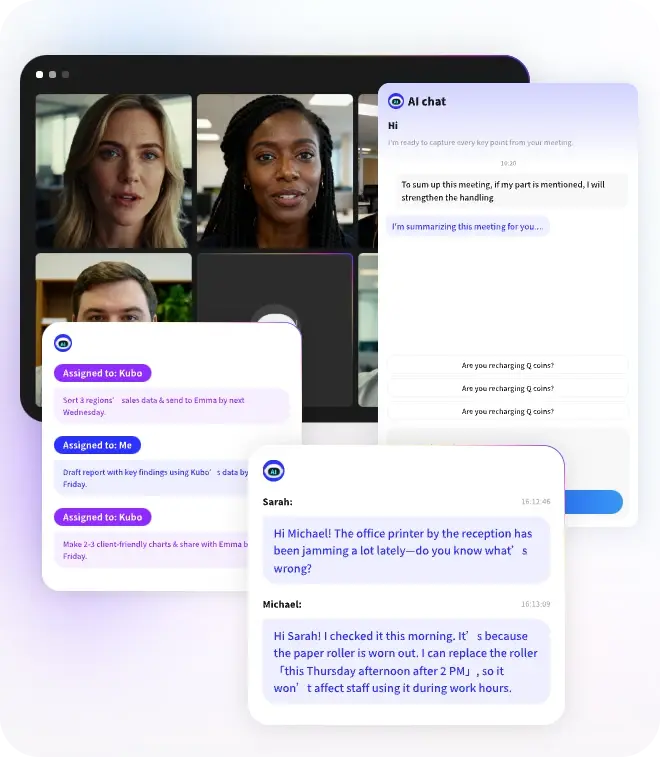
· Automatic transcription with speaker identification
· Smart summaries of key discussion points
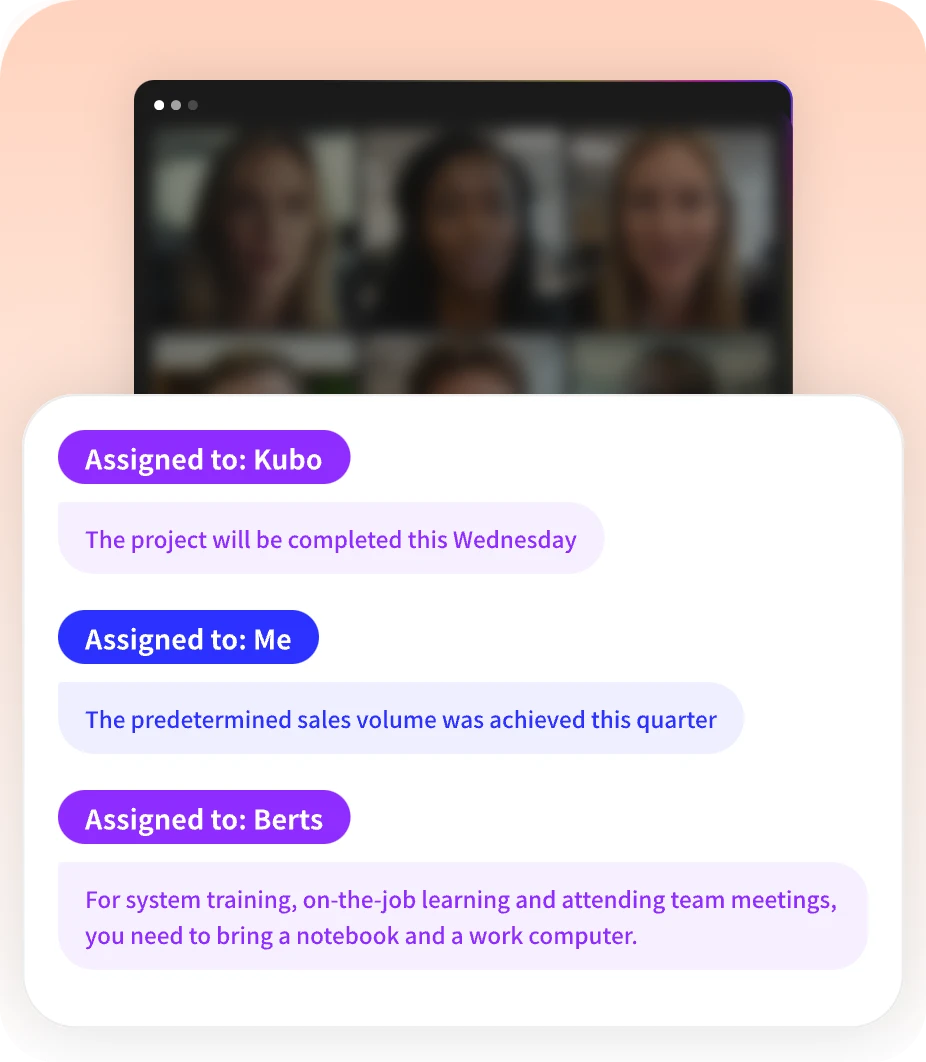
· Extraction of action items and decisions
· Searchable archives of all past meetings
· Integration with calendars and productivity tools
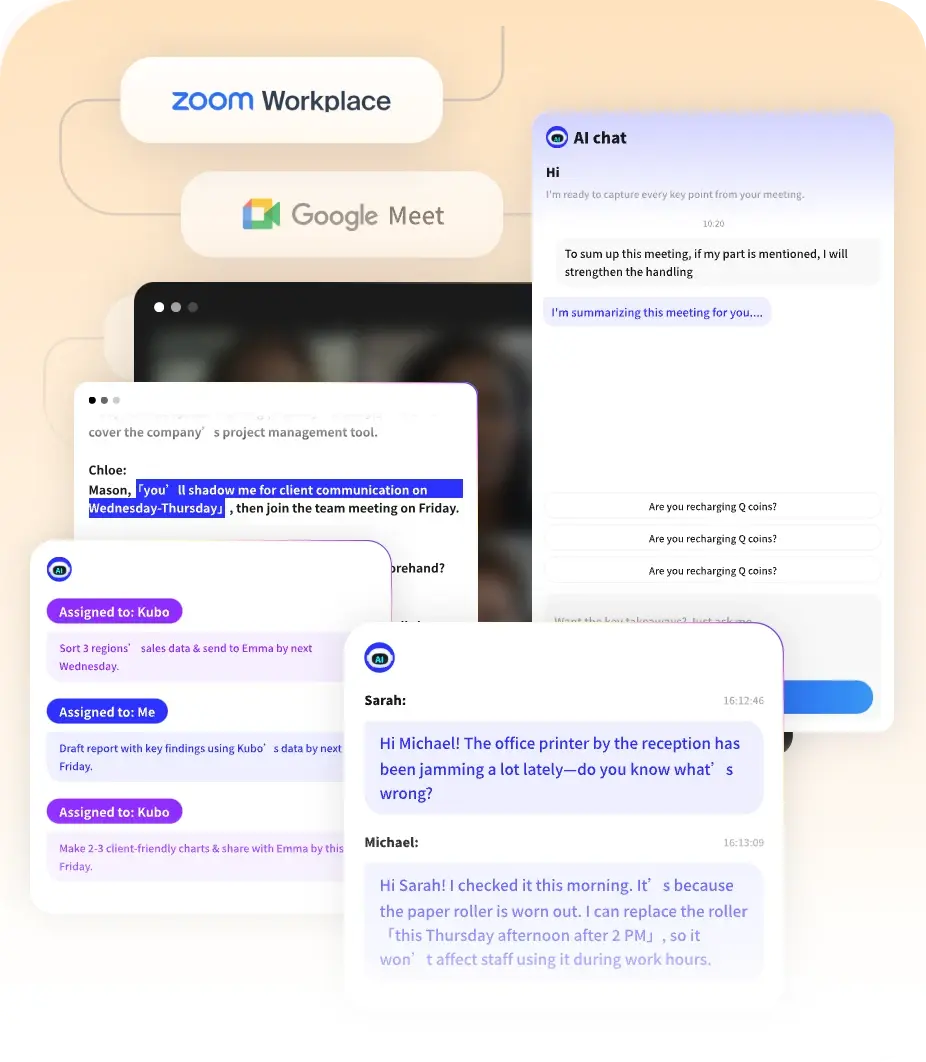
MeetingNotes is an AI meeting recorder that handles everything automatically. It joins your meetings, records and transcribes everything, and delivers organized notes and action items. You get complete documentation without any manual work.
Stop taking notes. Start getting results. Try MeetingNotes for AI-powered meeting recording and transcription.
Conclusion
Meeting recorders are essential tools for modern teams. They ensure nothing important gets lost. They help absent team members stay informed. And they create records that protect your organization.
Whether you choose a simple recording app or an AI-powered solution like MeetingNotes, the key is to start. Begin recording your meetings. Develop good practices. And turn those recordings into useful documentation.
Better meetings start with better records. Start recording today.