AI Summaries
 Action Items
 AI Chat
 Teams & Collaboration
 Teams & Collaboration
 Teams & Collaboration
 Teams & Collaboration
 Teams & Collaboration
 Teams & Collaboration
 Teams & Collaboration
 Teams & Collaboration
 Teams & Collaboration
 Integrations
  Personal Productivity
 Blog
Blog  Guide
Guide Otter AI has become one of the most talked-about meeting transcription tools. But does it live up to the buzz?
This review breaks down everything you need to know about Otter.ai — from transcription quality to pricing, from integrations to real-world usability. Whether you’re a sales professional, student, or team leader, here’s what Otter can (and can’t) do for you.
What Is Otter AI?
Otter AI is an AI meeting notes tool that automatically transcribes and summarizes your meetings. It joins your Zoom, Google Meet, or Microsoft Teams calls as a participant, captures everything said, and generates searchable transcripts with speaker identification.
The platform also offers: - Real-time transcription during live meetings - Automated summaries with action items - AI Chat for querying past conversations - CRM integrations for sales teams - Mobile apps for iOS and Android
Otter positions itself as more than just a transcription service. It’s trying to be your complete meeting intelligence platform.
Key Features Breakdown
1. Automatic Meeting Transcription
Otter’s core feature is its AI transcription capability. The service supports English, French, and Spanish transcription with speaker identification.
What works well: - Decent accuracy in quiet environments - Speaker separation is generally reliable - Real-time captions appear as people speak - Searchable transcripts make finding specific moments easy
Where it struggles: - Accuracy drops with heavy accents or background noise - Technical jargon often gets misinterpreted - Overlapping speakers can confuse the system
2. AI Meeting Summaries
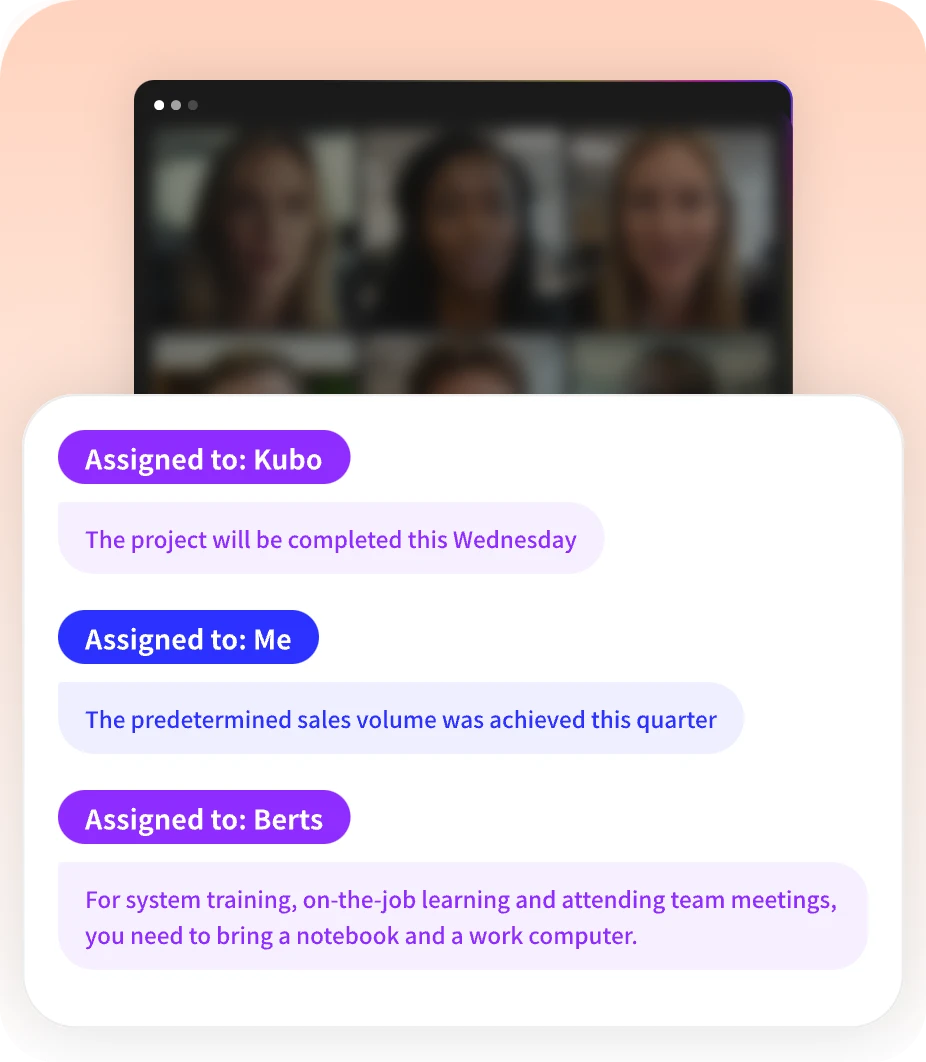
Otter automatically generates AI summaries with key points, decisions, and action items. This is where the tool tries to save you time.
The summaries include: - Meeting outline with timestamps - Key takeaways - Assigned action items - Speaker talk time breakdown
Here’s the thing — the summaries are helpful but not perfect. You’ll still want to review and edit them before sharing.
3. Otter AI Chat
This feature lets you ask questions about your past meetings. Think of it as having a searchable memory for every conversation you’ve had.
Example queries: - “What did John say about the Q3 budget?” - “Show me all action items from last week’s meetings” - “When did we discuss the marketing campaign?”
It’s useful. But the query limits on lower-tier plans can feel restrictive.
4. Integrations
Otter connects with the major platforms: - Video conferencing: Zoom, Google Meet, Microsoft Teams - CRM: Salesforce, HubSpot (for sales teams) - Calendar: Google Calendar, Microsoft Calendar - Storage: Dropbox, Box - Communication: Slack
The Zoom integration is probably the most polished. Otter automatically joins scheduled meetings and posts transcripts to Slack when done.
5. Mobile Apps
Otter’s iOS and Android apps let you: - Record meetings on the go - Access your transcript library - Edit and share notes - Use widgets and Siri shortcuts
The mobile experience is solid. Recording is straightforward, and playback works well.
Otter Pricing: Which Plan Makes Sense?
Otter offers four tiers. Here’s the breakdown:
Basic (Free)
· Price: $0 forever
· Transcription: 300 minutes per month
· Max conversation length: 30 minutes
· Features: Automated summaries, basic integrations, 25 most recent conversations
Best for: Individuals testing the waters or very light users.
Pro
· Price: $19.99/month per user
· Transcription: 1,200 minutes per month
· Max conversation length: 90 minutes
· Features: Everything in Basic plus longer conversations, more imports, priority support
Best for: Regular users who need more minutes and longer meetings.
Business
· Price: $39.99/month per user (billed annually)
· Transcription: 6,000 minutes per month
· Max conversation length: 4 hours
· Features: Advanced admin controls, team management, custom vocabulary, SSO
Best for: Teams that collaborate on meeting notes and need admin oversight.
Enterprise
· Price: Custom pricing
· Features: Unlimited everything, HIPAA compliance, dedicated support, custom deployment
Best for: Large organizations with specific security requirements.
Student discount: 20% off Pro plans with a .edu email address. That brings Pro down to about $13.59/month or $79.99/year.
Not bad. But let’s see how it compares to alternatives.
Otter vs. The Competition
How does Otter stack up against other meeting management tools?
Otter vs. Fireflies.ai
· Otter wins: Cleaner interface, better mobile apps, more polished summaries
· Fireflies wins: More integrations, better CRM features, lower pricing on some plans
Otter vs. Fathom
· Otter wins: More established brand, better enterprise features
· Fathom wins: Completely free for individuals, simpler setup
Otter vs. Notta
· Otter wins: Better speaker identification, more accurate transcriptions
· Notta wins: Supports more languages, faster transcription speed
Otter vs. MeetingNotes
· Otter wins: More features, longer market presence, larger user base
· MeetingNotes wins: Competitive pricing, focused on accuracy, simpler workflow
The truth? It depends on what you need. For sales teams, Fireflies might edge ahead. For students on a budget, Fathom’s free tier is hard to beat. For enterprise deployments, Otter’s security features make sense.
Pros and Cons
✅ What Otter Does Well
- Transcription quality — Generally accurate in good conditions
- Speaker identification — Reliably separates different voices
- User interface — Clean, intuitive, easy to navigate
- Mobile experience — Well-designed iOS and Android apps
- Integration ecosystem — Covers all major platforms
- AI Chat feature — Useful for querying past meetings
- Real-time captions — Works well for live meetings
❌ Where Otter Falls Short
- Pricing — Gets expensive for teams quickly
- Accuracy issues — Struggles with accents and technical terms
- Query limits — AI Chat capped even on paid plans
- No free trial on Business — Just a 7-day trial, not full-featured
- Export options — Limited on Basic plan (only mp3 and txt)
- Customer support — Email-only on lower tiers
- Language support — Only English, French, and Spanish
Real User Feedback
Otter has thousands of reviews across platforms. Here’s what users consistently mention:
Positive themes: - “Saves hours every week” - “Great for catching up on missed meetings” - “Sales team loves the CRM integration” - “Students find it invaluable for lectures”
Common complaints: - “Accuracy isn’t perfect with accents” - “Pricing adds up for larger teams” - “Sometimes misses important details in summaries” - “Wish it supported more languages”
The consensus? Otter is a solid tool that delivers real value — but it’s not flawless.
Who Should Use Otter?
Great fit for:
· Sales teams — CRM integration automates follow-ups
· Students — Lecture transcription and note-taking
· Remote teams — Async meeting updates for distributed workers
· Consultants — Client meeting documentation
· Journalists — Interview transcription
Not ideal for:
· Budget-conscious individuals — Free tier is quite limited
· Multilingual teams — Only 3 languages supported
· Heavy accent environments — Accuracy drops noticeably
· One-off users — Might not justify the monthly cost
Is Otter Worth It in 2026?
Here’s the bottom line.
Otter AI is a mature, well-built tool that delivers on its core promise: automatic meeting transcription and summaries. It’s not perfect — no AI tool is — but it saves real time for most users.
Worth it if: - You have multiple meetings per week - Your team needs collaborative meeting notes - You’re already in the Zoom/Slack/Salesforce ecosystem - Budget isn’t your primary concern
Skip it if: - You only have occasional meetings - You need extensive language support - You’re on a tight budget (try Fathom first) - Accuracy is absolutely critical (you’ll still need to review)
For most teams, Otter’s Pro or Business plan makes sense. The free tier is too limited for serious use.
Conclusion
Otter AI remains one of the top choices for automated meeting notes in 2026. Its transcription quality, speaker identification, and integration ecosystem make it a solid pick for businesses and professionals.
The pricing is fair for what you get, though it can add up for larger teams. The AI features — especially AI Chat — add genuine value beyond basic transcription.
If you’re evaluating meeting tools, Otter deserves a spot on your shortlist. Start with the free tier to test accuracy in your environment, then upgrade if it meets your needs.
Looking for alternatives? Check out MeetingNotes for a focused AI meeting assistant that prioritizes transcription accuracy and actionable summaries. It’s worth comparing before you commit.
Either way, automating your meeting notes is one of those changes that pays for itself quickly. Otter makes that accessible — and that’s why it’s earned its place in the market.