AI Summaries
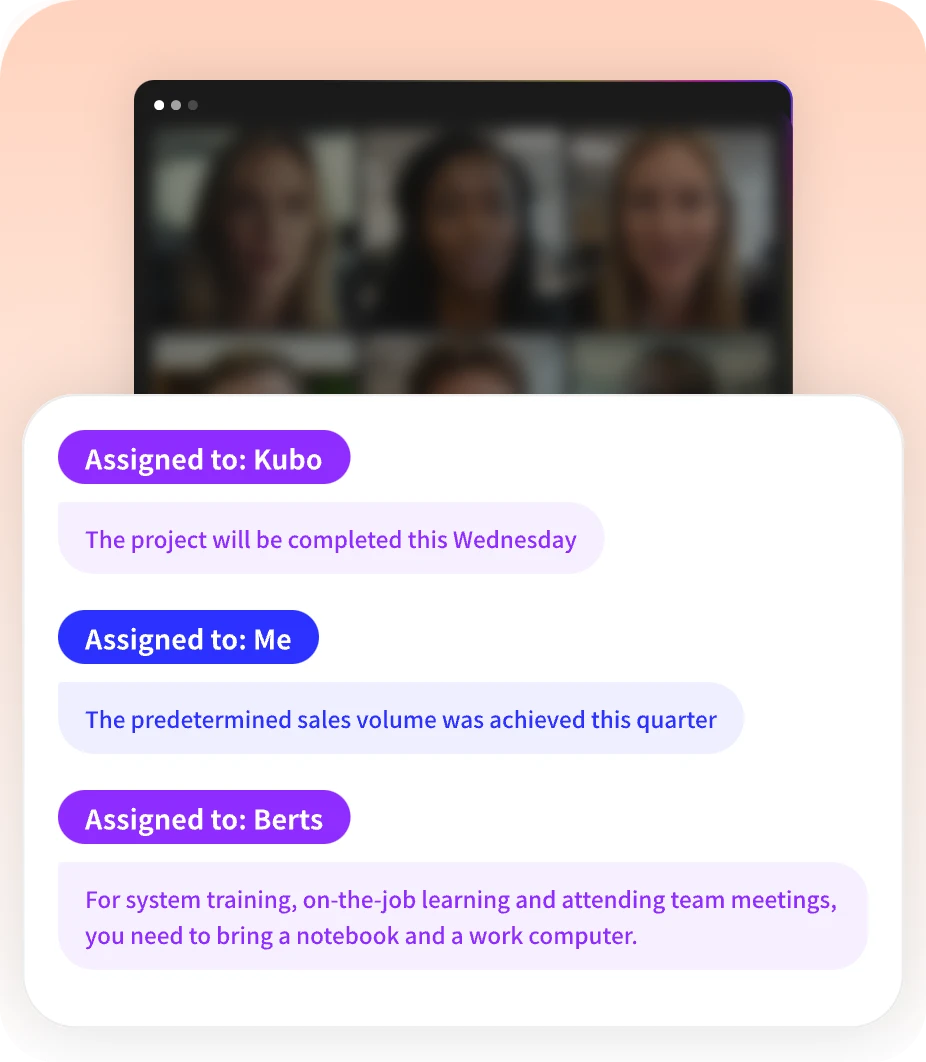
 Action Items
 AI Chat
 Teams & Collaboration
 Teams & Collaboration
 Teams & Collaboration
 Teams & Collaboration
 Teams & Collaboration
 Teams & Collaboration
 Teams & Collaboration
 Teams & Collaboration
 Teams & Collaboration
 Integrations
  Personal Productivity
 Blog
Blog  Guide
Guide AI note takers have exploded in popularity. What used to require a human stenographer can now be handled by software that transcribes, summarizes, and extracts action items automatically.
But with dozens of options claiming to be “the best,” how do you choose?
We tested the top AI note takers across accuracy, features, pricing, and ease of use. Here’s our definitive ranking for 2026.

Quick Comparison Table
| Tool | Best For | Free Tier | Starting Price | Languages |
|---|---|---|---|---|
| Otter | Overall best | 300 min/mo | $19.99/mo | 3 |
| Fireflies | Sales teams | 800 min | $10/mo | 100+ |
| Fathom | Individuals | Unlimited | $0 | 10+ |
| Notta | Multilingual | 200 min | $10-15/mo | 58 |
| Read AI | Enterprise search | 5 meetings | Custom | 20+ |
| Evernote | Note organization | 60MB/mo | $7.99/mo | 10+ |
| MeetingNotes | Meeting focus | Trial | Competitive | 10+ |
| Rev | Human accuracy | N/A | $1.50/min | 15+ |
1. Otter AI — Best Overall
Rating: ⭐⭐⭐⭐⭐ (4.8/5)
Otter remains the gold standard for AI meeting notes. It’s polished, reliable, and works well for most use cases.
Pros: - Excellent transcription accuracy (95%+ claimed) - Clean, intuitive interface - Strong mobile apps (iOS/Android) - Good integration ecosystem (Zoom, Slack, Salesforce) - AI Chat for querying past meetings - Speaker identification works well
Cons: - Free tier limited to 300 minutes/month - Only supports 3 languages (English, French, Spanish) - Pricing adds up for teams - AI features capped on lower tiers
Best for: Professionals who want a polished, reliable all-rounder.
Pricing: - Free: 300 min/month - Pro: $19.99/month - Business: $39.99/month/user
2. Fireflies AI — Best for Sales Teams
Rating: ⭐⭐⭐⭐⭐ (4.7/5)
Fireflies has become the go-to choice for sales teams. Its CRM integrations and conversation intelligence features are unmatched.
Pros: - Industry-leading transcription accuracy - 100+ languages supported - 200+ AI apps for custom workflows - Best-in-class CRM integrations (Salesforce, HubSpot) - Conversation intelligence and analytics - Competitive pricing
Cons: - Free tier has limitations - Interface not as polished as Otter - Learning curve for advanced features - AI credits capped even on paid plans
Best for: Sales teams, customer support, power users who need integrations.
Pricing: - Free: 800 minutes - Pro: $10/month (annual) - Business: $19/month (annual) - Enterprise: $39/month
3. Fathom — Best Free Option
Rating: ⭐⭐⭐⭐☆ (4.5/5)
Fathom's free tier is genuinely unlimited — no tricks, no hidden caps. For individuals on a budget, it’s unbeatable.
Pros: - Completely free for individuals - Unlimited transcription and storage - Simple, frictionless setup - Solid transcription quality - Ask Fathom AI search - Team features available
Cons: - Team pricing not transparent - Fewer integrations than competitors - Advanced features limited - Less enterprise-ready
Best for: Individuals, students, small teams on a budget.
Pricing: - Free: Unlimited (individuals) - Teams: ~$20-30/user/month
4. Notta — Best for Multilingual Teams
Rating: ⭐⭐⭐⭐☆ (4.4/5)
Notta supports 58 languages and can transcribe bilingual meetings. For global teams, it’s the obvious choice.
Pros: - 58 languages supported (unmatched) - Bilingual transcription for mixed-language meetings - Automatic translation between languages - Visual outputs (presentations, infographics) - Hardware options (Notta Memo) - 10M+ users globally
Cons: - Free tier is 200 minutes one-time (not recurring) - Pricing varies by region - English accuracy slightly behind Otter - Fewer integrations
Best for: International teams, multilingual meetings, podcasters.
Pricing: - Free: 200 minutes (one-time) - Pro: ~$10-15/month - Team: ~$20-25/user/month
5. Read AI — Best for Enterprise Search
Rating: ⭐⭐⭐⭐☆ (4.3/5)
Read AI is doing something unique — combining meeting intelligence with enterprise search across emails, chats, and CRMs.
Pros: - Search Copilot searches across all work tools - Ada AI assistant learns your style - Sentiment analysis and engagement metrics - Enterprise-grade security (SOC 2, GDPR, HIPAA) - Modern, clean interface - $50M funding (well-backed)
Cons: - Pricing not transparent - Smaller integration ecosystem - Less established than competitors - Free tier very limited (5 meetings/month)
Best for: Enterprise teams, organizations valuing security, unified search needs.
Pricing: - Free: 5 meetings/month - Pro: ~$20/user/month - Enterprise: Custom
6. Evernote — Best for Note Organization
Rating: ⭐⭐⭐⭐☆ (4.2/5)
Evernote isn’t just a meeting tool — it’s a complete note-taking platform. Recent AI upgrades make it competitive for meeting notes too.
Pros: - Legendary Web Clipper - Powerful organization (notebooks, tags, stacks) - AI transcription and summaries added - Cross-platform sync - Search inside images and PDFs - Long-term stability (since 2008)
Cons: - Free tier very limited (60MB/month) - Device limit on Free (2 devices) - AI features not as advanced as specialists - Interface feels dated
Best for: Researchers, students, professionals who want all-in-one note system.
Pricing: - Free: 60MB/month, 2 devices - Starter: $7.99/month - Advanced: $10.99/month
7. MeetingNotes — Best for Meeting Focus
Rating: ⭐⭐⭐⭐☆ (4.1/5)
MeetingNotes focuses on one thing: making meetings more actionable. It’s not trying to be everything to everyone.
Pros: - Focused on meeting workflows - Competitive pricing - Simple, intuitive interface - AI transcription and summaries - Action item tracking - Good accuracy
Cons: - Smaller brand (less established) - Fewer features than all-rounders - Limited integration ecosystem - Less marketing/resources
Best for: Teams who want focused meeting tool without bloat.
Pricing: - Free trial available - Competitive pricing (check website)
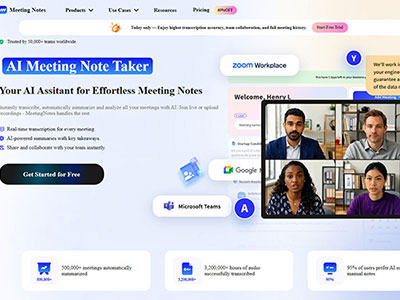
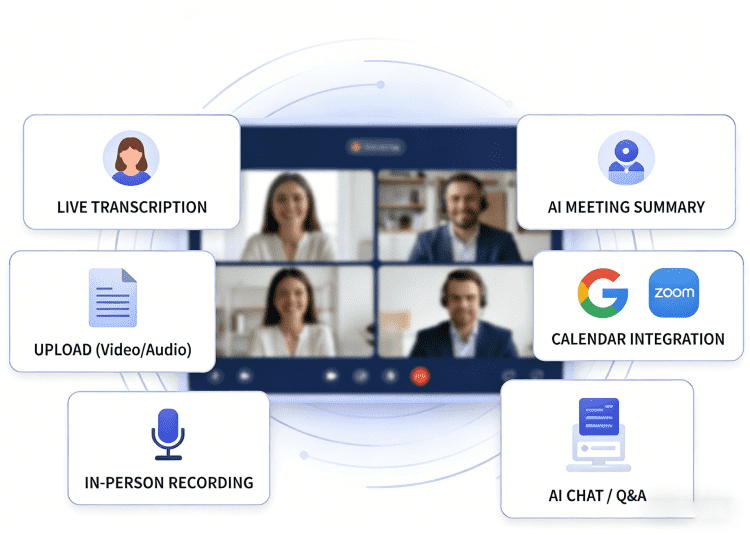
 MeetingNotes AI Note Taker
 - • Real-time AI transcription with high accuracy
- • Automated meeting summaries & action items
- • Seamlessly syncs with Zoom, Teams & Google Meet
- • Securely store and search all your meeting history
8. Rev — Best for Human Accuracy
Rating: ⭐⭐⭐⭐☆ (4.0/5)
Rev offers both AI and human transcription. If you need 99%+ accuracy, their human service is unmatched.
Pros: - Human transcription: 99%+ accuracy - AI transcription: Fast and affordable - 15+ languages supported - Captioning and subtitles - Fast turnaround (12 hours for human) - API for developers
Cons: - Human transcription expensive ($1.50/min) - AI accuracy lower than specialists - Not real-time (upload after meeting) - No meeting bot integration
Best for: Legal, medical, professional contexts requiring maximum accuracy.
Pricing: - AI: $0.25/min - Human: $1.50/min - Enterprise: Custom
How We Tested
We evaluated each tool across five criteria:
1. Transcription Accuracy
· Tested with clear audio, background noise, accents
· Compared speaker identification
· Checked timestamp accuracy
2. Features
· AI summaries and action items
· Search capabilities
· Integration ecosystem
· Mobile apps
3. Ease of Use
· Setup time
· Learning curve
· Interface quality
· Customer support
4. Pricing
· Free tier value
· Paid plan features
· Price per user
· Hidden costs
5. Security & Privacy
· SOC 2, GDPR, HIPAA compliance
· Data retention policies
· Encryption standards
· Privacy practices
Buying Guide: How to Choose
For Individuals
Priority: Free tier, ease of use, mobile apps
Top picks: 1. Fathom — Free, unlimited 2. Otter — Polished, reliable 3. Fireflies — Generous free tier
For Sales Teams
Priority: CRM integration, conversation intelligence, analytics
Top picks: 1. Fireflies — Best CRM sync 2. Otter — Sales notetaker features 3. Read AI — Enterprise search
For Multilingual Teams
Priority: Language support, translation, bilingual transcription
Top picks: 1. Notta — 58 languages 2. Fireflies — 100+ languages 3. Read AI — 20+ languages
For Enterprise
Priority: Security, admin controls, compliance
Top picks: 1. Read AI — SOC 2, GDPR, HIPAA 2. Fireflies — Enterprise features 3. Otter — Enterprise plan
For Students
Priority: Free tier, lecture transcription, organization
Top picks: 1. Fathom — Free unlimited 2. Otter — Student discount (20% off) 3. Evernote — Note organization
For Budget Teams
Priority: Low cost per user, essential features
Top picks: 1. Fathom — Free for individuals 2. Fireflies — $10/month Pro 3. Notta — ~$10-15/month
Comparison: Key Features
| Feature | Otter | Fireflies | Fathom | Notta | Read AI |
|---|---|---|---|---|---|
| Free Tier | 300 min/mo | 800 min | Unlimited | 200 min | 5 meetings |
| Languages | 3 | 100+ | 10+ | 58 | 20+ |
| CRM Integration | ✅ | ✅✅✅ | ✅ | ✅ | ✅✅ |
| AI Search | ✅ | ✅ | ✅ | ✅ | ✅✅✅ |
| Mobile Apps | ✅✅ | ✅ | ✅ | ✅ | ✅ |
| Security | SOC 2 | SOC 2, HIPAA | Basic | SOC 2 | SOC 2, GDPR, HIPAA |
| Best Feature | Polish | Integrations | Free | Languages | Search |
Common Questions
Are AI note takers accurate?
Most claim 90-95% accuracy in good conditions. Fireflies and Otter lead in accuracy testing. Heavy accents or background noise reduce accuracy across all tools.
Can I use AI note takers for free?
Yes. Fathom offers unlimited free transcription for individuals. Otter, Fireflies, and Notta have free tiers with limitations.
Do AI note takers work with Zoom?
All major tools integrate with Zoom, Google Meet, and Microsoft Teams. They automatically join scheduled meetings as participants.
Is my data secure?
Enterprise tools (Read AI, Fireflies, Otter) offer SOC 2, GDPR, and HIPAA compliance. Check each tool’s privacy policy for data retention and usage policies.
Can AI note takers replace human note-takers?
For most business meetings, yes. For legal, medical, or high-stakes contexts, consider human transcription (Rev) for maximum accuracy.
Conclusion
The best AI note taker depends on your needs:
· Overall best: Otter AI
· Best for sales: Fireflies AI
· Best free: Fathom
· Best multilingual: Notta
· Best enterprise: Read AI
· Best organization: Evernote
· Best focused: MeetingNotes
· Best accuracy: Rev (human)
For most professionals, Otter or Fireflies offers the best balance of accuracy, features, and ease of use. For individuals on a budget, Fathom’s free tier is unbeatable.
Looking for meeting-specific tools? All the tools above handle meetings well, but MeetingNotes focuses exclusively on meeting workflows without the bloat.
The bottom line: AI note takers save hours every week. Pick one, try the free tier, and see how much time you get back.